How Can We Help?
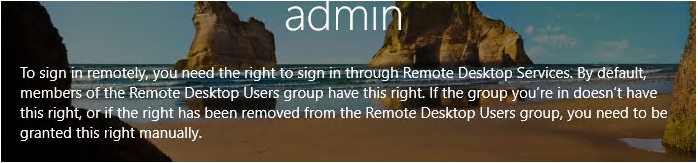
To sign in remotely, you need the right to sign in through Remote Desktop Services.
Hyper-V Virtual Machine Error Message: To sign in remotely, you need the right to sign in through Remote Desktop Services. By default, members of the Remote Desktop Users group, you need to be granted this right manually.
Solution: On the VM menu, try clicking View and then remove the tick from ‘Enhanced Session’
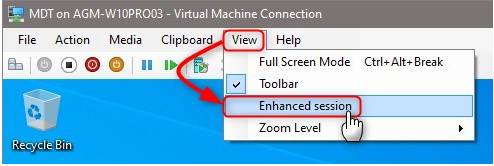
The VM will refresh and you should then be able to login as per the instructions.