Project 02 – RWC Task A – Change Adapter Permission Error.
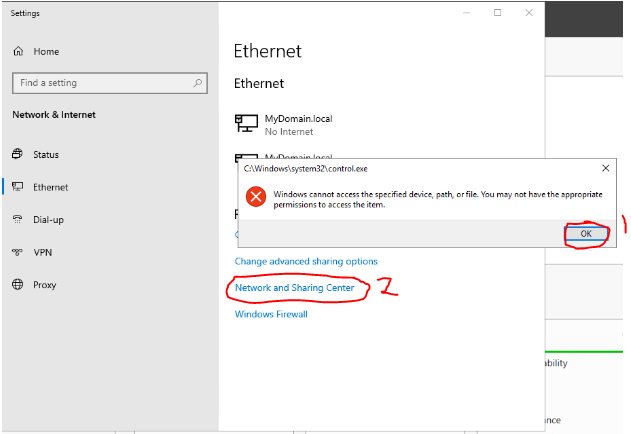
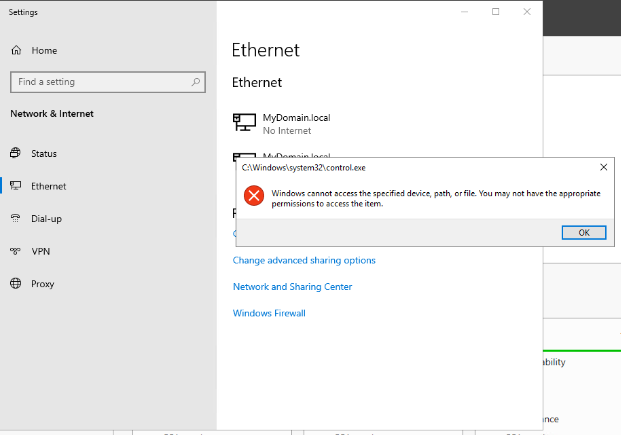
Problem Summary: When attempting to change the network adapter settings you receive a message “Windows cannot access the specified device, path or file. You may not have the appropriate permissions to access the item”.
Solution 01: This applies only if you are working on Project 02 – Real World Challenge Task A.
You have forgotten to go back to the ‘Clean Install’ checkpoint on both the Server and the Windows 10 Virtual Machines. If you are unsure on how to do this please contact your tutor.
Solution 02: This applies only if you are NOT working on Project 02 – Real World Challenge Task A.
After joining the domain, the current user is the Domain Administrator rather than the Local Administrator. This can sometimes cause strange permission issues on the server itself. Try accessing the network adapter via ‘Network and Sharing Centre’ and it will allow you to proceed.